
How do I reschedule my orders?Updated 5 months ago
You can easily change the processing date for your upcoming Waiākea orders at any time directly from your customer portal.
1. Log in to your Waiākea customer account.
2. On the main page, click on the Reschedule button.
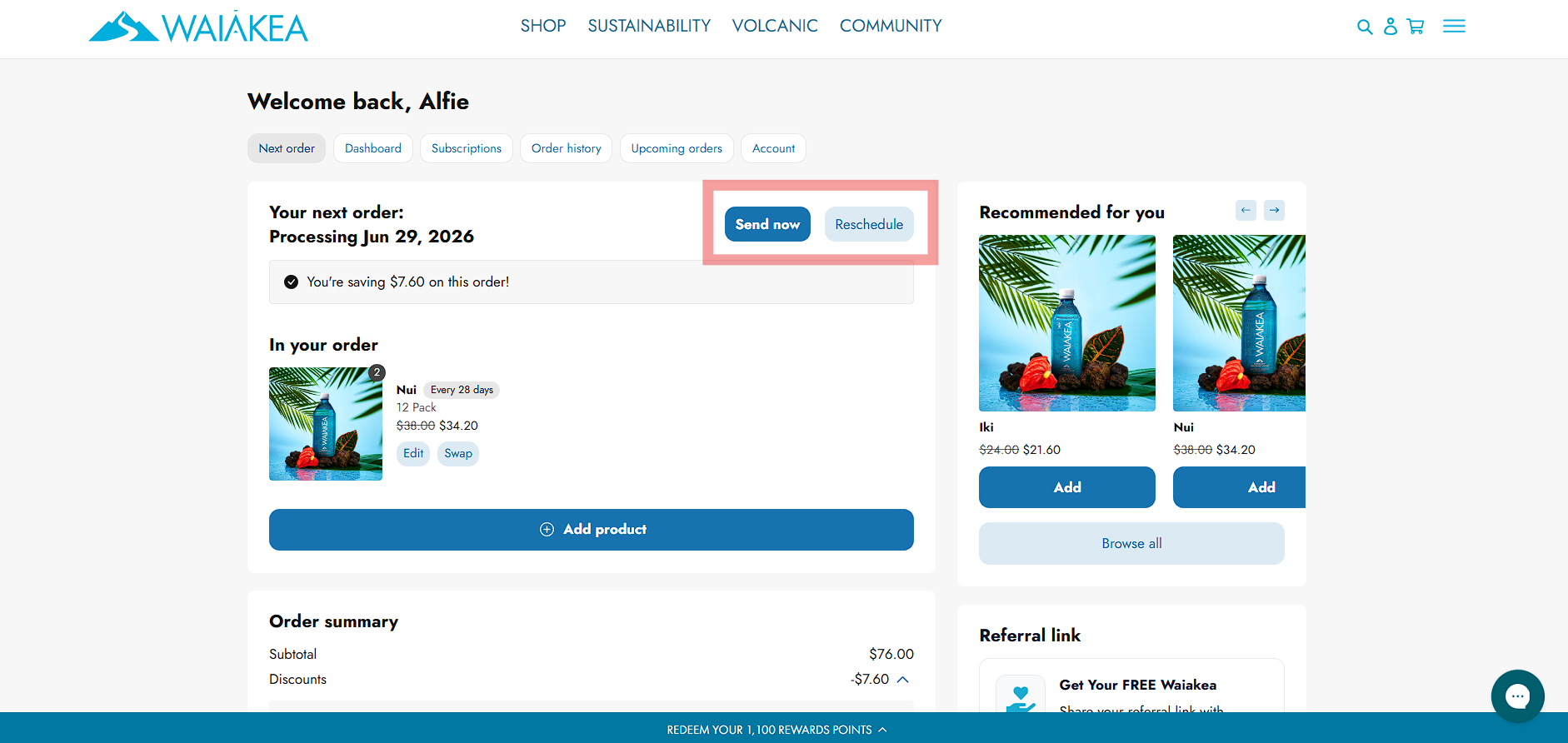
4. Select your preferred future delivery date
Tip: If you want your order to process immediately rather than wait for a future date, click the Send now button to bypass your scheduled date.